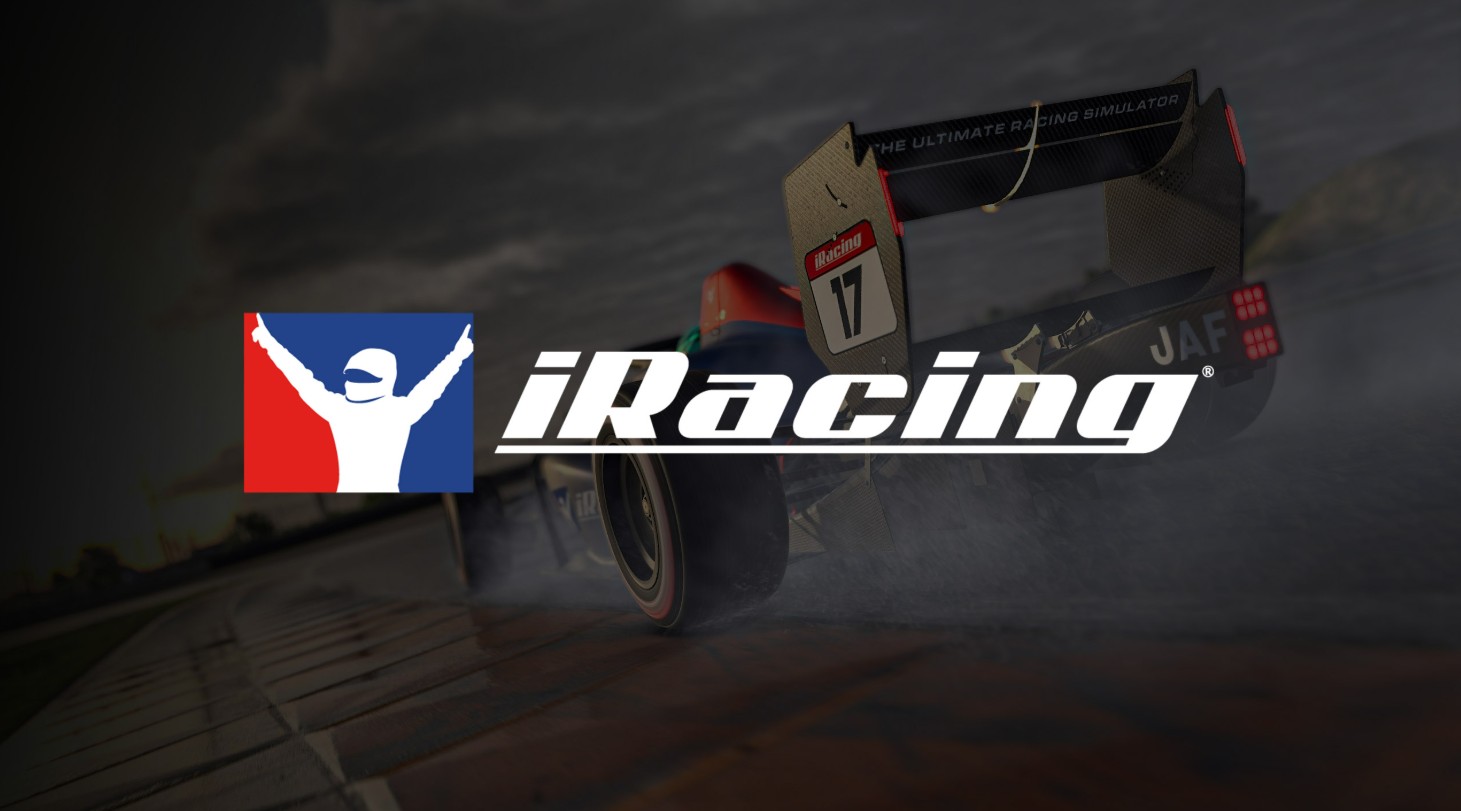

Imagine sitting in a real race car with the engine roaring and the track stretching ahead. That is the feeling iRacing brings to your screen. I have spent years exploring racing simulators, and I can tell you this one stands apart. Every turn, every braking point, and every lap feels alive. You are not just pressing buttons. You are learning how to drive, anticipate, and react like a professional.
iRacing is more than a game. It is a racing simulator developed by iRacing Inc. and published by iRacing.com. It launches on August 1, 2008, and since then it builds a community of drivers who love precision and challenge. You get to experience multiplayer racing, test your limits on authentic tracks, and compete against drivers from around the world. It challenges you, rewards patience, and makes every victory feel earned.
Whether you are here to try your first lap or master advanced techniques, this guide will give you the insights, tips, and confidence to step into the driver’s seat with ease. You are ready to dive into the world of iRacing, and I will walk you through every detail.
Quick Info of iRacing Game
Before you hit the track, here is a fast overview to get you started. You will know the essentials and what to expect when you begin your iRacing PC.
- Developer: iRacing Inc.
- Publisher: iRacing.com
- Initial Release Date: August 1, 2008
- Platform: PC (Windows)
- Genre: Racing Simulator / Multiplayer / Racing
- Mode: Online multiplayer, single races, leagues
- ESRB Rating: E for Everyone
Overview of iRacing
iRacing is a racing simulator that makes every lap feel real. Every car responds to your inputs differently, every corner tests your timing, and every track is modeled with precise details. It is not just a game, it is a place where skill, focus, and patience matter. You feel like a professional driver learning the ropes, even from your own room.
The simulator offers a variety of ways to race. You can join online multiplayer racing with thousands of players, participate in structured leagues, or practice on your own. Each session challenges you to master tracks, understand braking points, and improve your racing line. Success comes from learning, not shortcuts, which makes every victory feel earned.
iRacing racing simulator also rewards exploration and practice. You can try different cars, adjust settings, and experiment with techniques to find what works best. Every lap builds confidence and skill, turning beginners into more confident drivers and giving experienced racers a place to test their limits.
Gameplay and Mechanics of iRacing
iRacing delivers a realistic racing experience set on authentic tracks from around the world. It combines precise vehicle physics, strategic driving, and competitive multiplayer to pull players in from the start.
Additionally, after finishing this game, many wonder what’s next, and Turbo Golf Racing provides the perfect mix of challenge, fun, and exciting features to discover.
Car Handling and Control
Each car in iRacing behaves uniquely, depending on weight, tires, and setup. Learning how to manage oversteer, understeer, and braking points is key. Personally, mastering throttle control through corners feels like conducting your own race orchestra, where every input matters and precision is rewarded.
Tracks and Navigation
The tracks are laser-scanned replicas of real circuits. Every elevation change, curb, and turn affects performance. Using these iRacing beginner tips, I focus on breaking the track into sections, learning each corner before attempting a full lap. This approach turns what initially feels overwhelming into a structured, skill-building experience.
Strategy and Competition
Races are not only about speed, they are about strategy. Tire management, fuel, and traffic play a huge role. Approaching corners carefully, anticipating other drivers, and using defensive or overtaking moves creatively makes each race dynamic. Success comes from patience and smart decisions, not just reflexes.
Core Features & Powers of iRacing
iRacing is more than just driving fast. It gives you variety, challenges, and tools that make every race feel alive. Each session tests your focus, precision, and strategy.
1) Wide Car Selection
iRacing offers an extensive roster of vehicles, from formula cars to stock cars and endurance machines. Each car handles differently, requiring you to adapt your driving style. Learning each car improves consistency and performance. Understanding how your car reacts builds confidence. Mastery over multiple cars adds depth to every race.
2) Detailed Track List
The iRacing car and track list includes authentic, laser-scanned circuits from around the world. Every corner, curb, and elevation change reacts realistically to your driving. Practicing these tracks develops precision and patience. Knowing the tracks well gives you an advantage in competitive races. Each lap becomes a personal challenge and achievement.
3) Online Competition and Leagues
iRacing features structured leagues and casual races to challenge drivers of all skill levels. You compete against players worldwide, testing strategy, reflexes, and consistency. Every race feels dynamic and unpredictable, offering new lessons. Leagues reward careful planning and smart decisions. Competing online turns every session into a learning experience.
Thus, the action in iRacing is unforgettable, and Trackmania continues that momentum with new features, intense battles, and plenty of thrilling gameplay moments.
4) Customization and Setup
You can adjust car setups including tire pressure, suspension, and aerodynamics to match your driving style. Small tweaks can significantly improve handling and lap times. Experimenting teaches how different setups affect car performance. Fine-tuning your vehicle gives you more control and confidence on track. This makes each race feel both strategic and rewarding.
5) Practice and Training Tools
iRacing provides telemetry, practice sessions, and tutorials to help you learn efficiently. You can review laps, analyze performance, and refine racing lines. These tools make it easier to understand how cars and tracks behave. Regular practice builds skill and confidence over time. Using these features turns mistakes into lessons and improvement into a measurable achievement.
Visuals & Audio of iRacing
iRacing does more than simulate driving, it immerses you in a realistic racing world. Every detail on the track, car, and environment works together to make you feel like you are truly behind the wheel.
Graphics Quality
Using the iRacing graphics settings, you can adjust resolution, textures, shadows, and reflections to match your PC’s performance. Tracks look realistic, with detailed surfaces, curbs, and surroundings. Cars respond visually to speed, tire wear, and collisions, making each race feel dynamic. Optimizing graphics ensures smooth gameplay without losing visual fidelity.
Audio Design
Sound in iRacing is as important as visuals. Engine notes, tire squeals, and braking feedback tell you exactly what your car is doing. Ambient track noises and crowd sounds make each circuit feel alive. The audio also helps in timing turns and gauging car behavior, giving you a competitive edge while keeping the experience immersive.
Immersive Experience
Together, visuals and audio make iRacing a complete simulator experience. Every lap feels authentic because your senses are fully engaged. Small details, like reflections on wet asphalt or the subtle whine of an engine at high RPM, make racing more engaging. This combination trains your eye, ear, and instincts to perform better on every track.
Beginner Tips & Tricks
Getting started in iRacing feels exciting and a little intimidating, but the right approach helps you learn the tracks and enjoy every lap. Here are some practical tips:
- Follow a Setup Guide: Use an iRacing setup guide to adjust tires, suspension, and aerodynamics. A proper setup improves control and consistency, making every lap feel smoother.
- Master Track Sections: Break each circuit into corners and straights. Practice one section at a time to learn braking points, throttle control, and racing lines. This builds confidence and lap consistency.
- Understand Car Behavior: Each car responds differently to steering, throttle, and braking. Spend time in practice sessions to learn its limits. Understanding your car helps you drive smarter in competitive races.
- Observe Experienced Drivers: Watch replays or race alongside skilled players. Learn racing lines, overtaking strategies, and braking techniques. Observing others accelerates learning and improves racecraft.
- Use Telemetry Tools: Track speed, cornering, and braking patterns to identify areas for improvement. Telemetry turns mistakes into actionable lessons and helps refine your technique over time.
User Feedback & Reviews
iRacing has built a strong community of drivers, and the feedback from both beginners and experienced players shows why it stands out. Here’s what players love and some advice from the community to help you get the most out of the simulator:
Positive Feedback
- Realistic Racing Experience: Players praise how every lap feels authentic, from car handling to track details. The simulator rewards patience and skill, making wins feel earned.
- Skill-Based Progression: Users enjoy that improvement depends on learning and consistency, not shortcuts. Mastering cars and tracks gives a real sense of achievement.
- Engaged Community: The iRacing community tips shared online help beginners improve quickly. Forums and social groups are full of strategies and guidance from experienced racers.
- Variety and Depth: Drivers appreciate the wide range of cars and tracks, which keeps races fresh and challenging.
Constructive Criticism
- Some beginners find the first few sessions challenging, especially on advanced tracks. Taking time with practice sessions eases this.
- Users note that a steering wheel and pedals greatly improve immersion, though it is optional for casual play.
- Racing against skilled opponents can feel intimidating at first, but following community tips helps new drivers gain confidence quickly.
System Requirements & Platform Differences
The following are the iRacing system requirements for different platforms:
PC
- OS: Windows 10 / 11
- Processor: Intel i5 / AMD Ryzen 5 or higher
- RAM: 8GB minimum, 16GB recommended
- Graphics: NVIDIA GTX 1060 / AMD RX 580 or better
- Storage: 20GB SSD
- Additional: Steering wheel and pedals recommended
Console (if applicable)
- Xbox / PlayStation: Standard controller supported, stable performance, limited customization
- PC: Full graphics customization, VR support, ultra-wide monitor compatibility
Frequently Asked Questions about iRacing
If you are new to iRacing or just want quick answers, these frequently asked questions cover the essentials every driver should know.
Q: How do I enter a race in iRacing?
To join a session, open iRacing and click the racing icon. Pick the type of race you want (official or hosted), then click register and join when the session starts. Make sure you meet any license or content requirements before joining so you don’t get blocked.
Q: How often are official races scheduled in iRacing?
Official events are scheduled regularly, often multiple times per week or even per day for popular series. Each series repeats its schedule weekly during the season, so you usually find a race that fits your time and skill level.
Q: Why can’t I find an official race to join?
If you don’t see events, it might be due to filters, your license level, or region/time settings in the client. Check those, and make sure your subscription is active. Sometimes a server will show no events simply because you need to adjust filters or meet eligibility requirements.
Q: What counts as an incident in iRacing and why does it matter?
An incident is something that causes loss of control, off‑track behavior, or contact that affects another driver. Incidents lower your safety rating. A good safety rating lets you enter more competitive races and keeps you in cleaner splits.
Q: Do I need to practice before joining my first race?
Yes. Running practice laps or test sessions helps you learn braking points and car behavior. It also helps you avoid incidents in your first race, which improves your safety rating and overall experience.
iRacing is more than a racing game. It is a full simulator that tests your skill, strategy, and focus. Every car, track, and race feels authentic, making you feel like a real driver on a professional circuit. From practicing laps to competing in online leagues, every session teaches you something new. The combination of realistic physics, immersive visuals, and community tips keeps you engaged and improving.
Whether you are a beginner or an experienced racer, iRacing offers endless opportunities to grow. Custom setups, car variety, and challenging tracks make every race unique. Using the tips, tutorials, and features described here will help you gain confidence and enjoy every lap. Step into the driver’s seat, embrace the challenge, and experience the thrill of one of the most realistic racing simulators available.